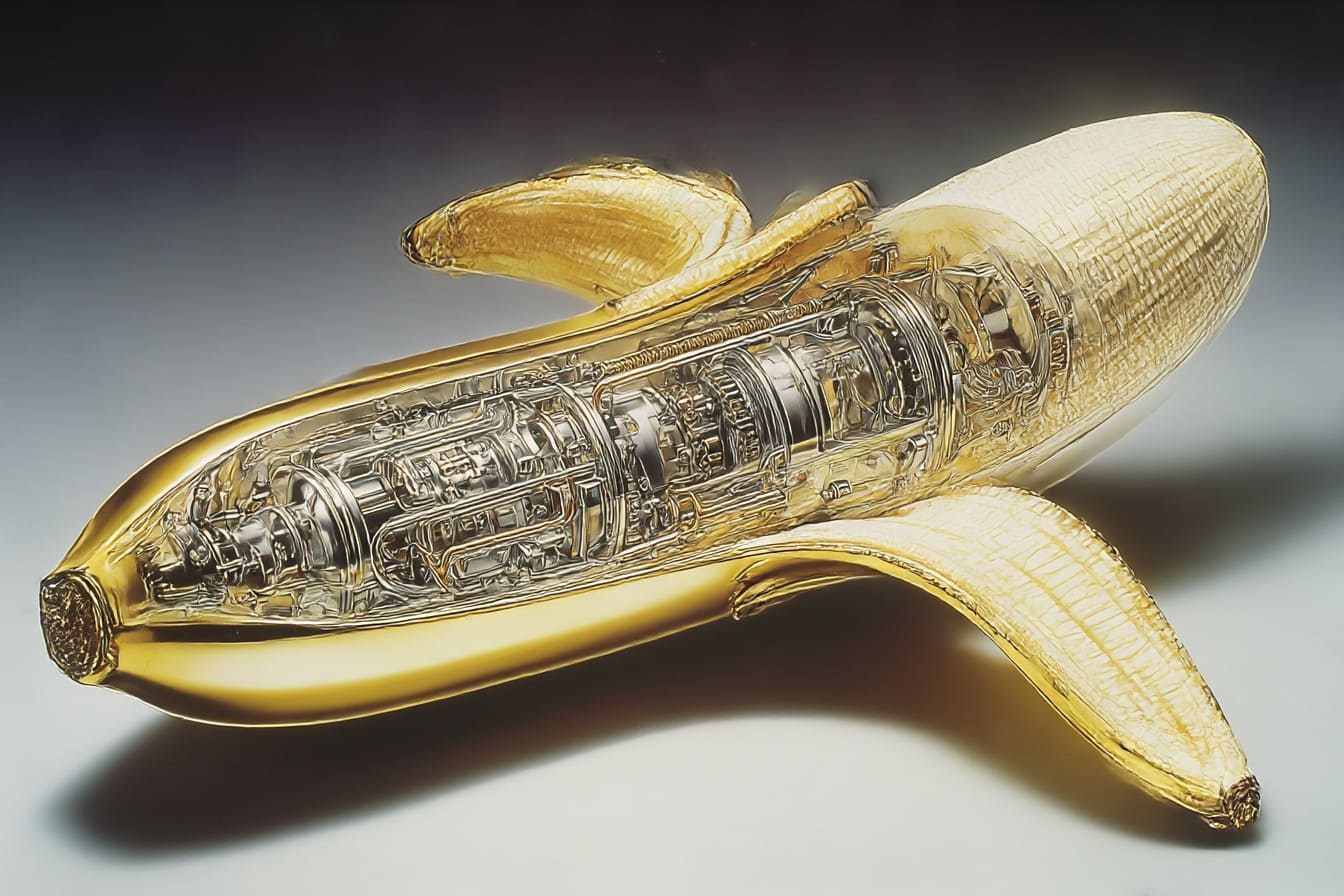

The development of AI-based tools is progressing rapidly and image editing is no exception. Google Nano Banana, the internal name for Gemini 2.5 Flash Image, is one of the latest tools that has quickly gained significant attention. I have been testing it since its release both through the interface and via API, and I am extremely convinced of the competence of this model. Its superpower is maintaining consistency, unlike Midjourney.
Table of content
The real strength lies in API integrations
Although Nano Banana works excellently as a standalone tool, its true potential is connected to the API and its “branching” when performing multiple steps in a model. By integrating the features into their own platforms, companies can automate image processing on a large scale. In e-commerce, product images can quickly be adapted for different markets or campaigns. On social media, content can be generated and customized in real time. For newsrooms and agencies, this means being able to process large amounts of visual material in a short time without burdening the design department. The API thus makes it possible to move AI editing from ad hoc efforts to becoming a central part of the workflow. But if you run it via an interface like Gemini, then try these features.
Effective object removal
Removing distracting elements in an image has traditionally required both time and knowledge of programs like Photoshop. With Nano Banana, the user can instead write an instruction, for example “remove the coffee cup,” and the object disappears automatically. The result is often very good, especially if the object is against a simple background. In more complex images, some manual adjustment or additional instructions may be needed, but compared to traditional methods the time savings are significant.

Colorization of black and white images
An area where Nano Banana excels is the ability to bring black and white photographs to life. With a simple command like “colorize this image” a picture can gain natural colors within seconds. The result is often surprisingly realistic, although small details in the background or patterns are not always perfectly reproduced. For those who want to visualize historical images or give family photos a new dimension, this is a quick and powerful method.

Text editing in existing images
Nano Banana also makes it possible to change or add text on signs, billboards and other surfaces in an image. The AI can not only replace text but often also adapt the font and style to blend in with the original image. Minor deviations, such as placement or character adjustment, may occur, but the tool still opens up for quick testing of marketing materials before production.

Consistent character management
A challenge in AI-generated images is maintaining consistency when the same character appears in different environments. Nano Banana addresses this by preserving the character’s appearance even when the environment changes. This is especially useful for companies or creators who want to build a cohesive visual story where a mascot or figure appears in multiple contexts.

Visualization of branding and mockups
For marketers and entrepreneurs, Nano Banana offers the opportunity to quickly see how a logo or slogan works in practice. By placing the brand on products such as mugs, clothing, or digital screens, you can get a realistic preview before investing in production. This facilitates decision-making and reduces the risk of costly mistakes.

F.A.Q about Nano Banana
Vad är Google Nano Banana?
Google Nano Banana är det interna kodnamnet för Googles AI-baserade bildredigeringsmodell Gemini 2.5 Flash Image. Det är ett verktyg som gör det möjligt att redigera och generera bilder med hjälp av textinstruktioner.
Varför heter det Nano Banana?
Namnet är ett internt arbetsnamn som Google använder under utveckling. Det har ingen direkt koppling till funktionerna, men speglar Googles tradition av humoristiska kodnamn.
Kan Nano Banana ersätta Photoshop?
Inte helt. Nano Banana är starkt i automatiserade redigeringar och snabba ändringar, men saknar fortfarande den precision och detaljstyrning som ett fullfjädrat designverktyg erbjuder. Men det finns plugins till Photoshop som kör api´t mot Google.
Vilka typer av redigering kan man göra?
Exempelvis ta bort eller lägga till objekt, färgsätta svartvita bilder, byta text på skyltar, hålla en karaktär konsekvent i flera miljöer samt skapa realistiska mockups för branding och produkter.
Fungerar Nano Banana bara via ett grafiskt gränssnitt?
Nej. Den största styrkan är att det även kan användas via ett API, vilket gör att funktionerna kan integreras i egna plattformar, system eller arbetsflöden.
Är Nano Banana gratis att använda?
Det beror på var och hur du använder det. Google testar ofta sina AI-modeller i både gratisversioner och betalvarianter med fler funktioner. API-användning är i regel kostnadsbelagd beroende på volym.
Kan jag använda Nano Banana för kommersiella projekt?
Ja, men det är alltid viktigt att kontrollera Googles aktuella licensvillkor och policy för genererat innehåll innan det används i kommersiella sammanhang.
Vilka är de vanligaste användningsområdena?
E-handel (produktbilder), marknadsföring (kampanjer och mockups), sociala medier (snabbt genererat innehåll), journalistik (visualisering av material) och kreativa projekt där snabb iteration är viktig.
Behöver man vara tekniskt kunnig för att använda Nano Banana?
Inte för den grafiska versionen – där räcker det att skriva enkla instruktioner. Men för att utnyttja API:et krävs viss teknisk kunskap, särskilt om man vill bygga in funktionerna i egna system.